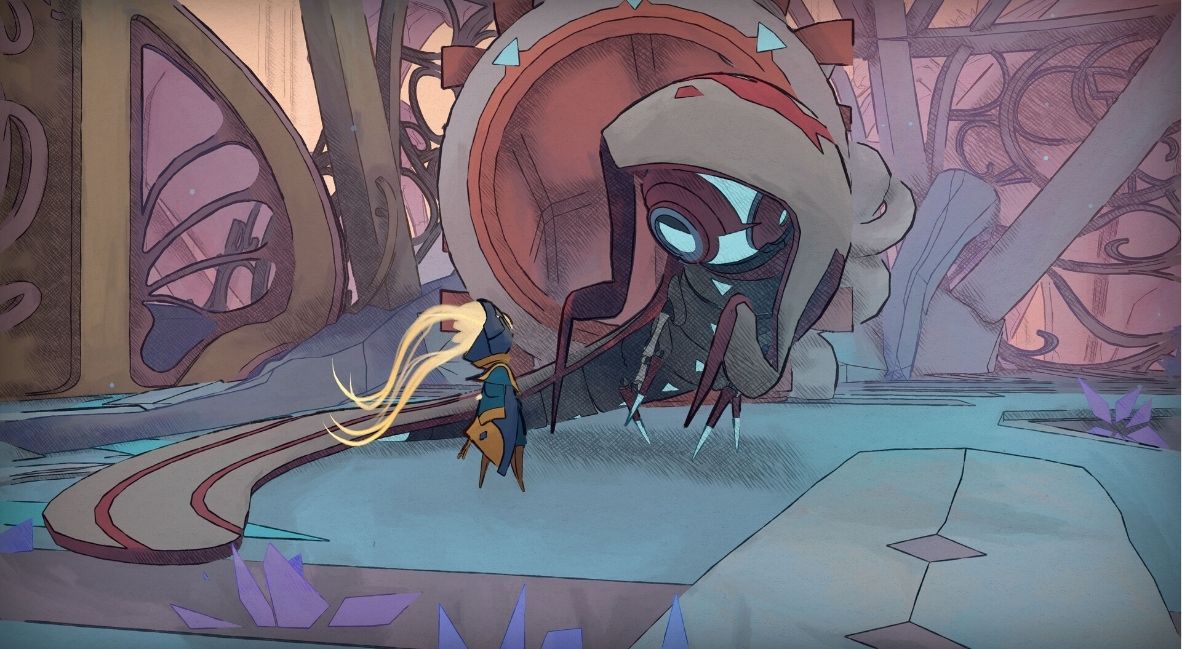
MIO: Memories of Orbit is an exciting new kind of Metroidvania. It builds on classic genre conventions like backtracking and progressive upgrades while invoking a deep sense of mystery not just in its story but in its gameplay, too. In the early game, players are dropped straight into the world with little explanation and even fewer tools to navigate it. A soulslike-lite system for death and retrying also adds to the tension.
Starting out in MIO: Memories of Orbit can be a bit daunting. Without a map, very few maneuvers, low health, and no sense of direction, it’s fair to feel intimidated by the first few hours of gameplay. Here are 5 tips for getting started in MIO: Memories of Orbit to help ease the worries and get you into the thick of the experience.
1) You Don’t Have To Explore Every Nook (Yet)

The tendency to want to follow every path, explore every nook, and uncover every secret is perfectly reasonable, especially in a Metroidvania. You want to find the best upgrades—don’t want to miss any hidden treasures. At the start of MIO: Memories of Orbit, you really can ignore this tendency. Or, at least, you can free yourself of the worry that you’re missing something major by choosing to go in one direction instead of another.
For the most part, the first section of the game has a single pathway to progression. Sure, there are a few little things to pick up away from the beaten path, but they’re laid out in mostly obvious hideaways. In the early game, almost any direction you can try travelling besides the intended path is blocked off from access.
With no map and little lay of the land, it’s not worth trying to remember where you encountered alternate pathways to explore down the road, either. There will be a time for that to come, but the beginning of your journey isn’t where you need to spend time exploring. Have no fear, you will not miss anything major if you turn left instead of right and can’t backtrack just yet.
2) Don’t Worry About Dying
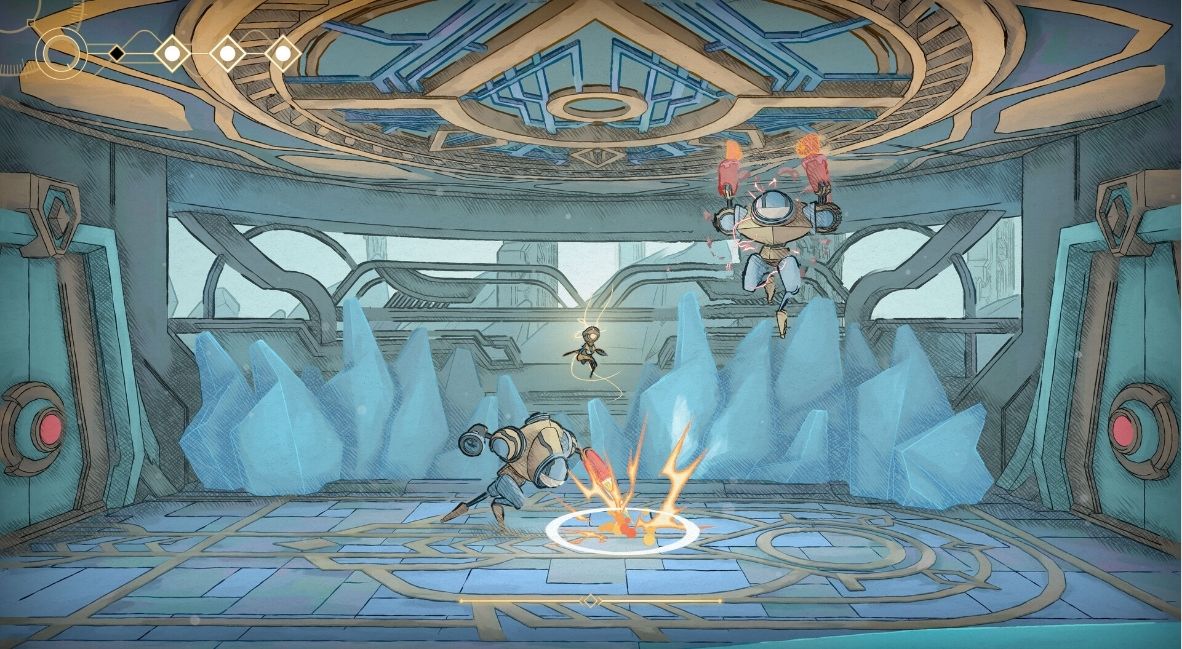
In any game where you lose all of your currency upon death, it’s perfectly reasonable to feel extra guarded about it. However, in the early game, nacre is not only very easy to come by, but it’s also not very useful. When you die in MIO: Memories of Orbit, you lose all of your non-solid nacre. But for the first few hours of gameplay, there is very little to spend that currency on. Losing it is no big deal, and therefore, neither is dying.
The game’s enemies are tougher than they seem. Some may have multiple attack patterns; their damage range or projectile attacks can come from nowhere, especially in groups, and your health is much lower than theirs at the start. You will die plenty in the early game as you grow accustomed to the enemies and constantly meet new, tougher ones everywhere you go. Losing your nacre isn’t so burdensome early on when there’s little to spend it on. Plus, eventually, you’ll uncover ways solidify your currency so that you can keep the solid stuff upon death.
3) Get Really Close To Enemies Before Attacking
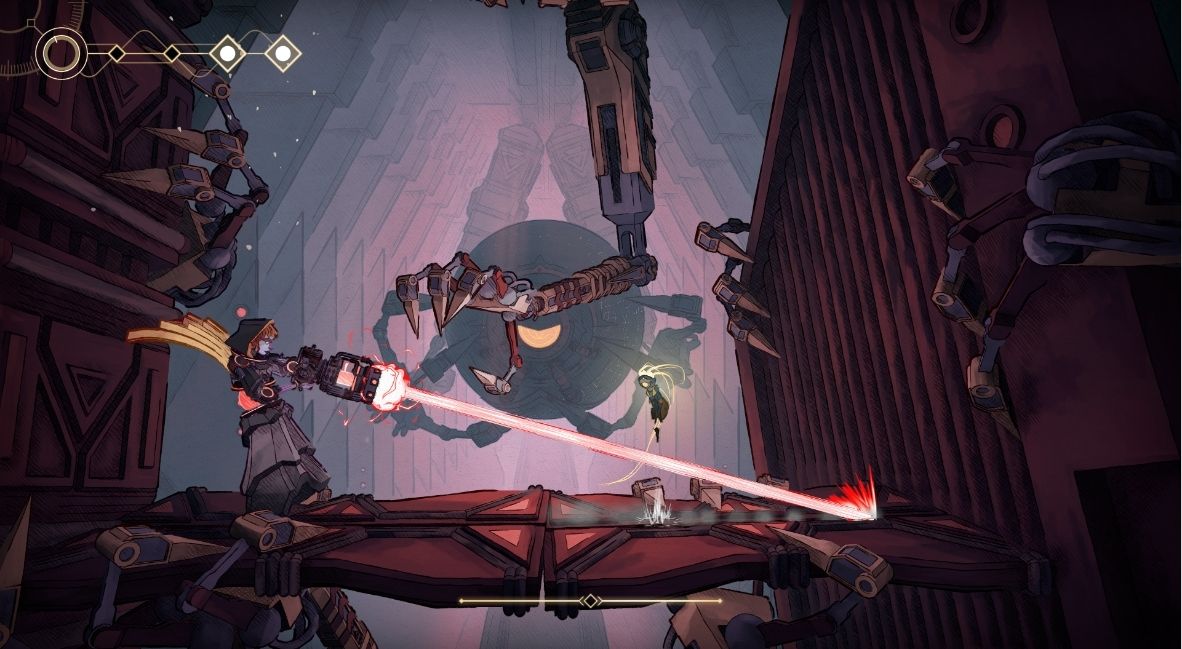
Speaking of enemies, there is a certain hammer-wielding foe very early on that feels quick and impossible to approach, at first. It has a long reach and stands right over a ledge. The secret to fighting this type of enemy, and most others, is to get in really close on it before attacking. It’s counterintuitive, to a degree. You wouldn’t think that standing between the enemy and the end of its hammer would be a safe strategy. But in fact, it’s the safest and fastest way to take them down without taking damage.
This hint will not only get you through early sections without taking damage, but it will also help you reach a secret area or two otherwise guarded by these be-hammered foes. Beyond the hammers, though, you only have close-range attacks to begin MIO: Memories of Orbit, anyway. Getting in close to any enemy, unleashing a full-attack combo, and then jumping away to safety is the key to early fights against standard and boss enemies.
4) You Don’t Need Your HUD
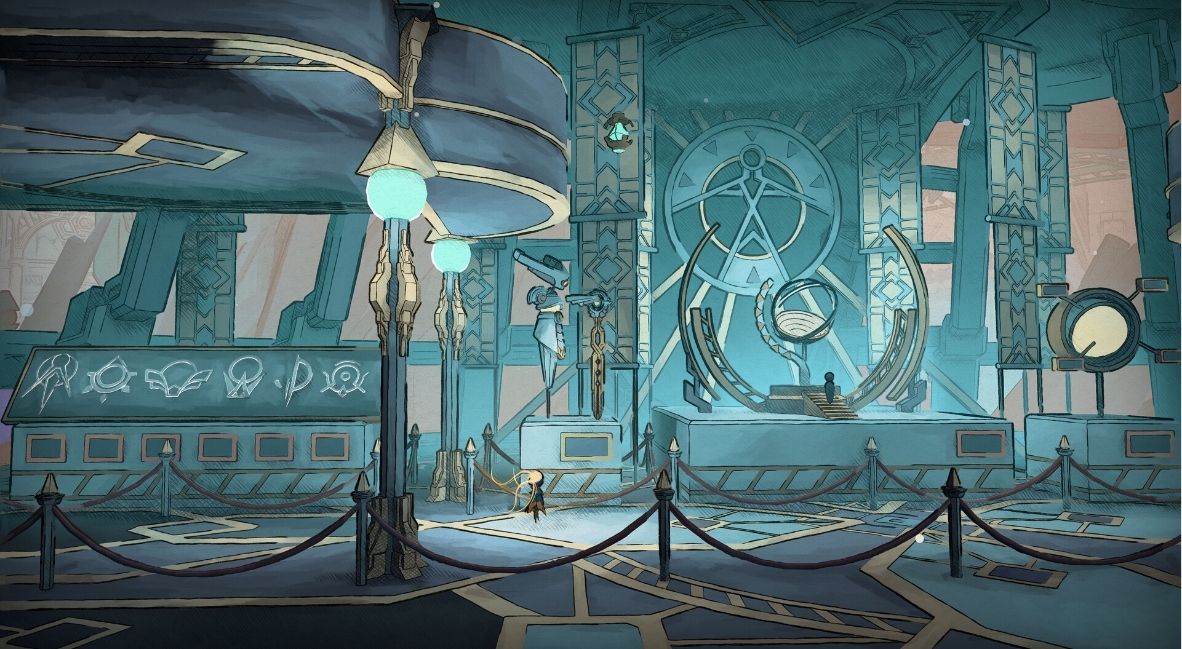
A neat thing in MIO: Memories of Orbit’s modifier system is that you can constantly add and subtract from it at will. The upgrade slots are limited, and each one takes up variable amounts of space in the allocation matrix. Being able to remove upgrades at will helps you add bigger ones in exchange.
When you first start collecting additional upgrades, turn off the one that you start with, “Self-Awareness.” This initial built-in modifier reveals your HUD. Turning it off, though, makes very little difference in your gameplay early on. The only major aspect of your HUD is your health, and the reality is, you have so little health to start with that turning off the ability to see it won’t impact how often you die. Save those slots for the early game upgrades that you couldn’t add to your modifier board otherwise.
5) Let Yourself Be Immersed
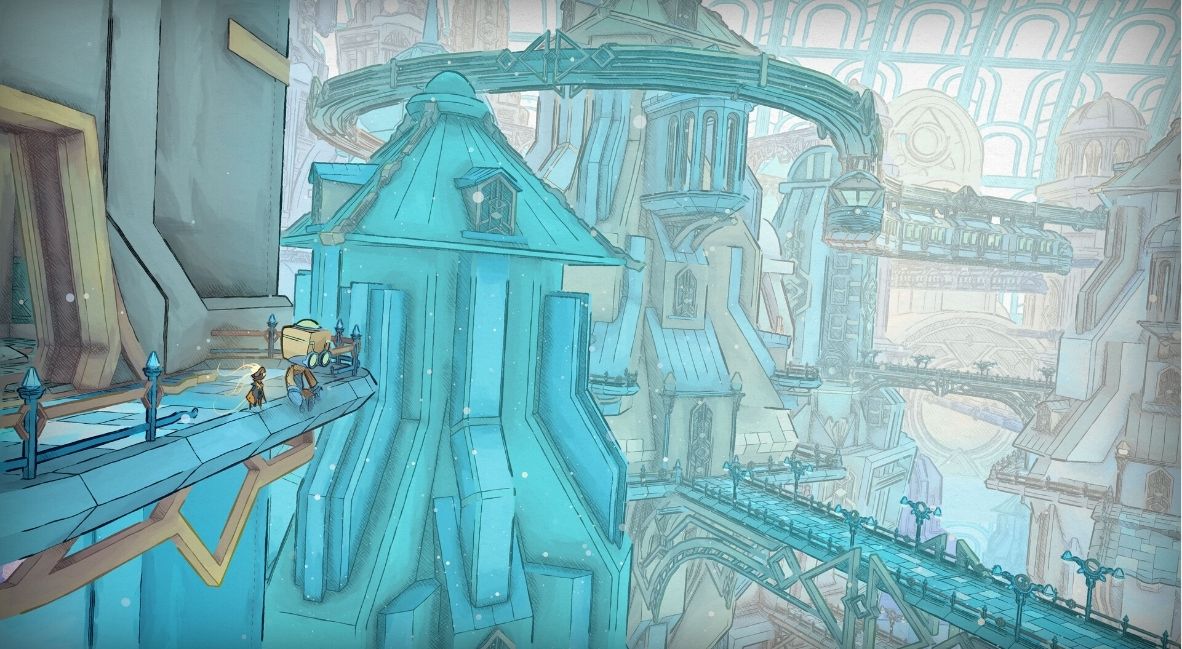
The most important tip for starting MIO: Memories of Orbit is to just let yourself be immersed in the game. The atmosphere is intentionally opaque. You’re not meant to know what’s around every corner when you first boot the game up. Characters speak vaguely, and it’s okay that you have no idea what they’re talking about yet. Just enjoy exploring the beautiful world of the game, let yourself die as much as you need to, and embrace the challenges to come.
MIO: Memories in Orbit is available now on Xbox Series X|S, PlayStation 5, Nintendo Switch, Nintendo Switch 2, and PC.